Opening a second location: keeping menus, Wi-Fi and feedback organised
What changes when a café opens a second or third branch, and how to set up menus, Wi-Fi, feedback and loyalty so each location runs smoothly.
· 2 min read · Tapstand team
Opening a second branch is exciting and messy. Suddenly there are two Wi-Fi passwords, two slightly different menus, two sets of staff and feedback that might be about either place. The habits that worked for one café need a bit more structure.
Decide what's shared and what's local
| Usually shared | Usually per location |
|---|---|
| Brand: logo, colours, tone | Address, hours, map pin |
| Core menu and prices | Specials, sold-out items, smaller menus |
| Loyalty rules | Staff accounts and who can stamp |
| Google review approach | Google Business Profile and review link |
| Wi-Fi network and password | |
| Feedback inbox |
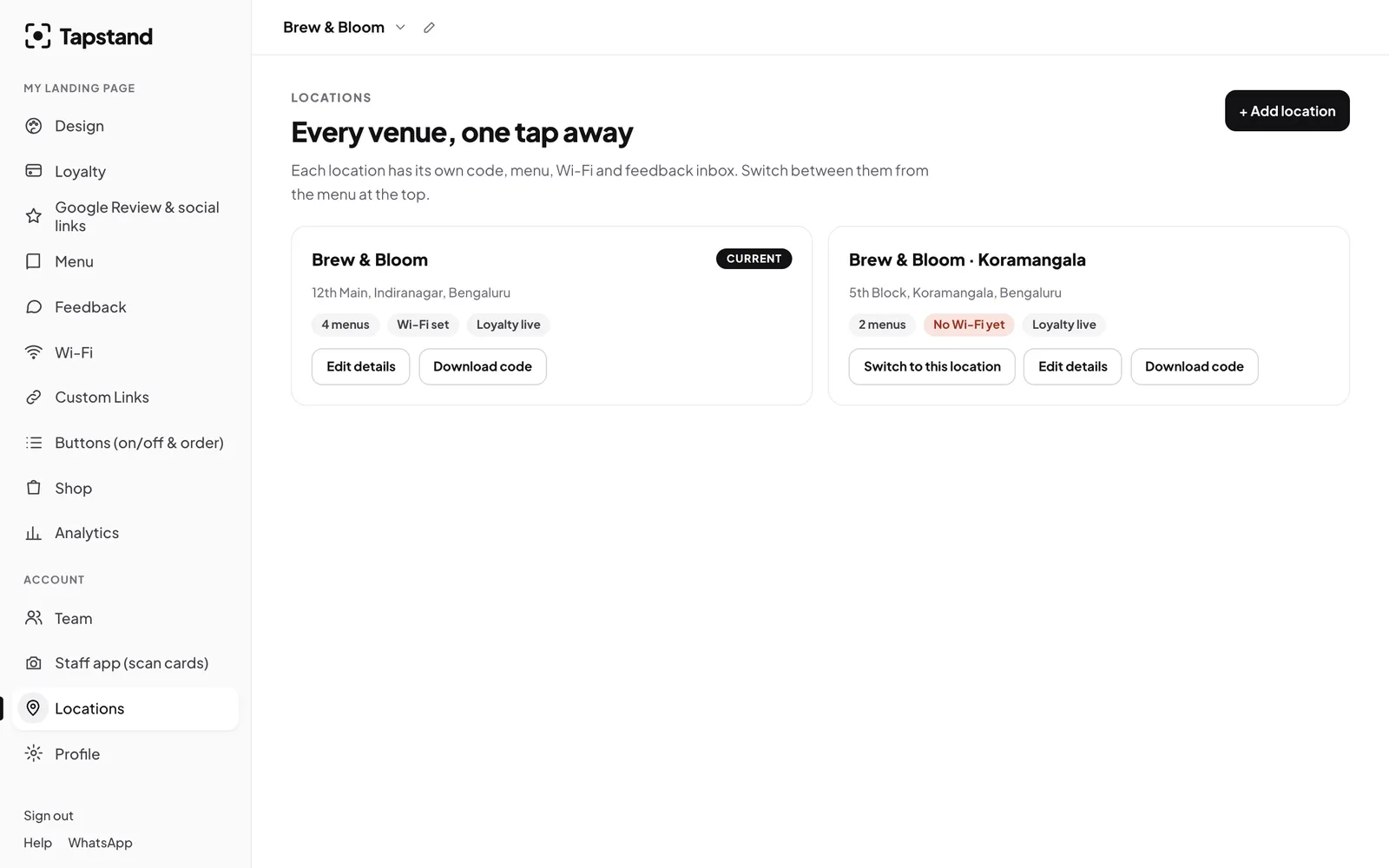
Give every location its own page and code
Each branch needs its own QR code and table stands. Otherwise a guest at your Koramangala branch gets the Indiranagar Wi-Fi password and leaves feedback you can't place.
Menus: start from the main one, then trim
Smaller branches often run a shorter menu. Use the flagship's menu as your template and leave out what the smaller kitchen can't do. Photographing the printed menu and importing it with AI is a quick way to start. Keep prices consistent unless there's a clear reason (rent, a premium location), because guests notice.
Feedback: one inbox per branch
Feedback is only useful if you know where it came from. Separate inboxes let each branch manager own their own feedback, and let you compare. If one branch gets "slow service" three times as often, that's a staffing or layout question for that branch. See handling negative feedback.
Google: one profile per branch
Each physical location should have its own Google Business Profile, with its own review link. Don't send guests at a new branch to review your older, better-rated one; reviews should match the place.
Staff: invite per location
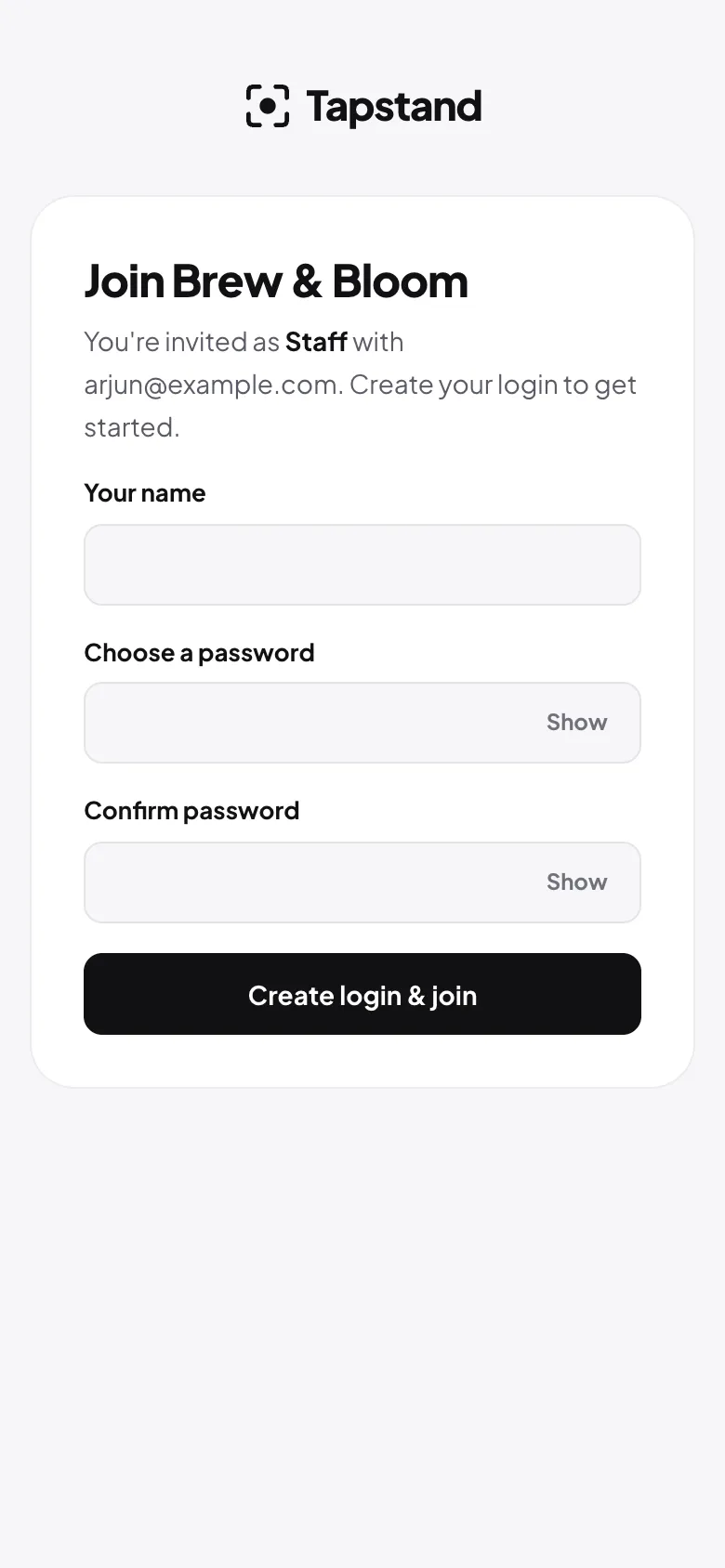
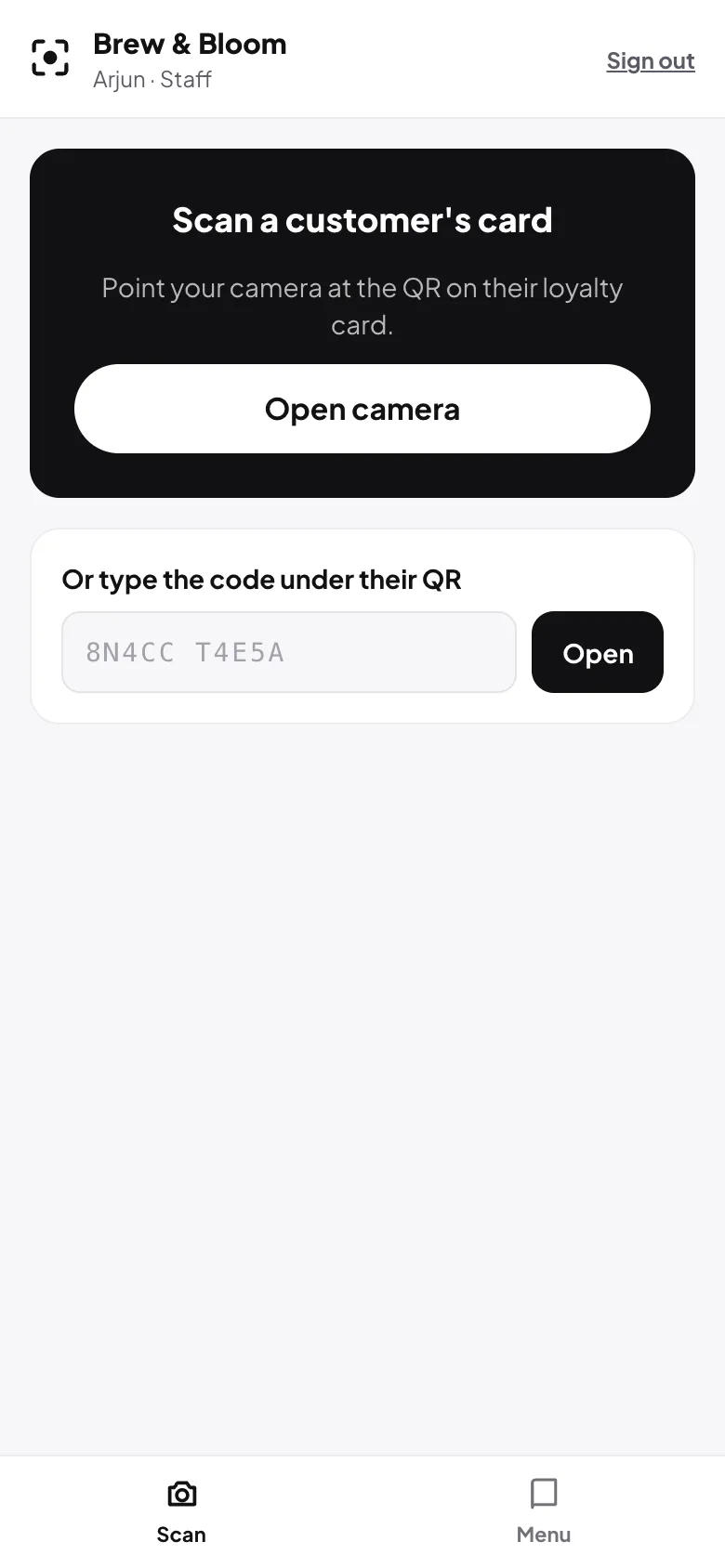
Staff usually work at one branch. Invite them to that location only, so they can stamp cards and mark items sold out there, without access to the others. See training staff.
Compare, don't just total
Look at each branch's numbers separately: daily visitors, new loyalty members, positive feedback share. Totals hide problems; comparisons reveal them. See measuring repeat customers.
Screenshots show Tapstand with a sample café and demo data.