Turn your paper menu into a digital menu in minutes with AI
How to photograph a printed menu so AI can read it, what to check before publishing, and how to fix the usual mistakes in prices, sizes and labels.
· 2 min read · Tapstand team
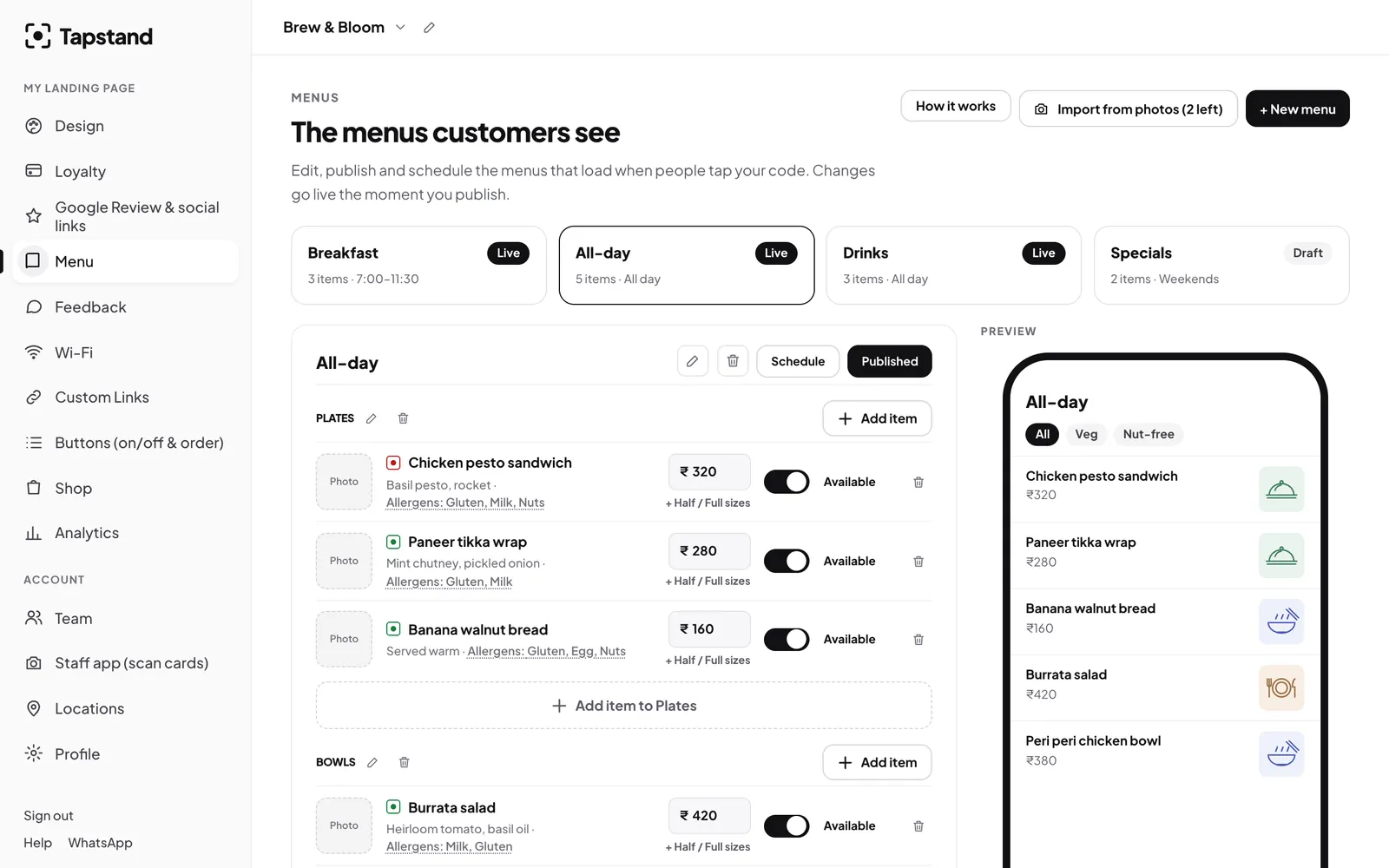
Typing out sixty dishes, their prices and descriptions is the step that stops most owners from going digital. AI can now read a photo of a printed menu and turn it into structured items: menus, sections, dishes, prices and descriptions. It is not perfect, but it turns an evening's work into ten minutes of checking.
How it works
You upload photos or PDFs of your menu. A vision model reads the text and the layout, works out which lines are section headings and which are dishes, and returns a draft. Nothing goes live: you review the draft, fix anything it got wrong and then save it.
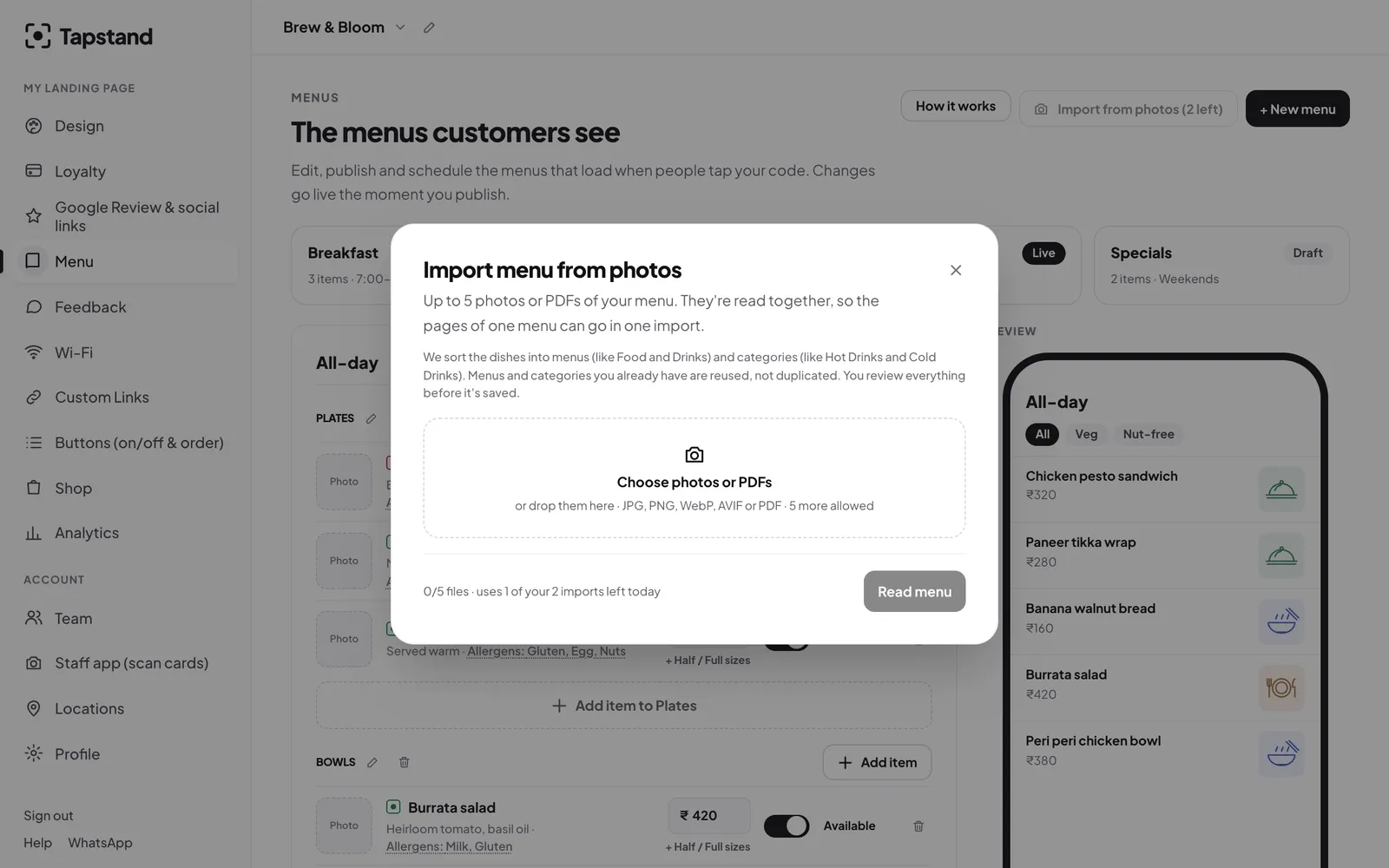
Taking photos the AI can read
- Flat and straight on. Lay the menu on a table and shoot from directly above. Angled shots squash text.
- Daylight, no flash. Flash on laminated menus creates a white glare exactly where the prices are.
- One page per photo. Fill the frame with the page; crop out the table.
- Sharp text. Tap to focus and hold still. If you can't read it zoomed in, neither can the AI.
- Use the PDF if you have it. The file your designer sent is cleaner than any photo.
What to check before publishing
AI is good at reading text and bad at knowing your kitchen. Go through the draft with this list:
- Prices. Check every single one. A misread 8 and 3 is the most common error.
- Sizes. Half/full or regular/large should be one dish with two prices, not two dishes.
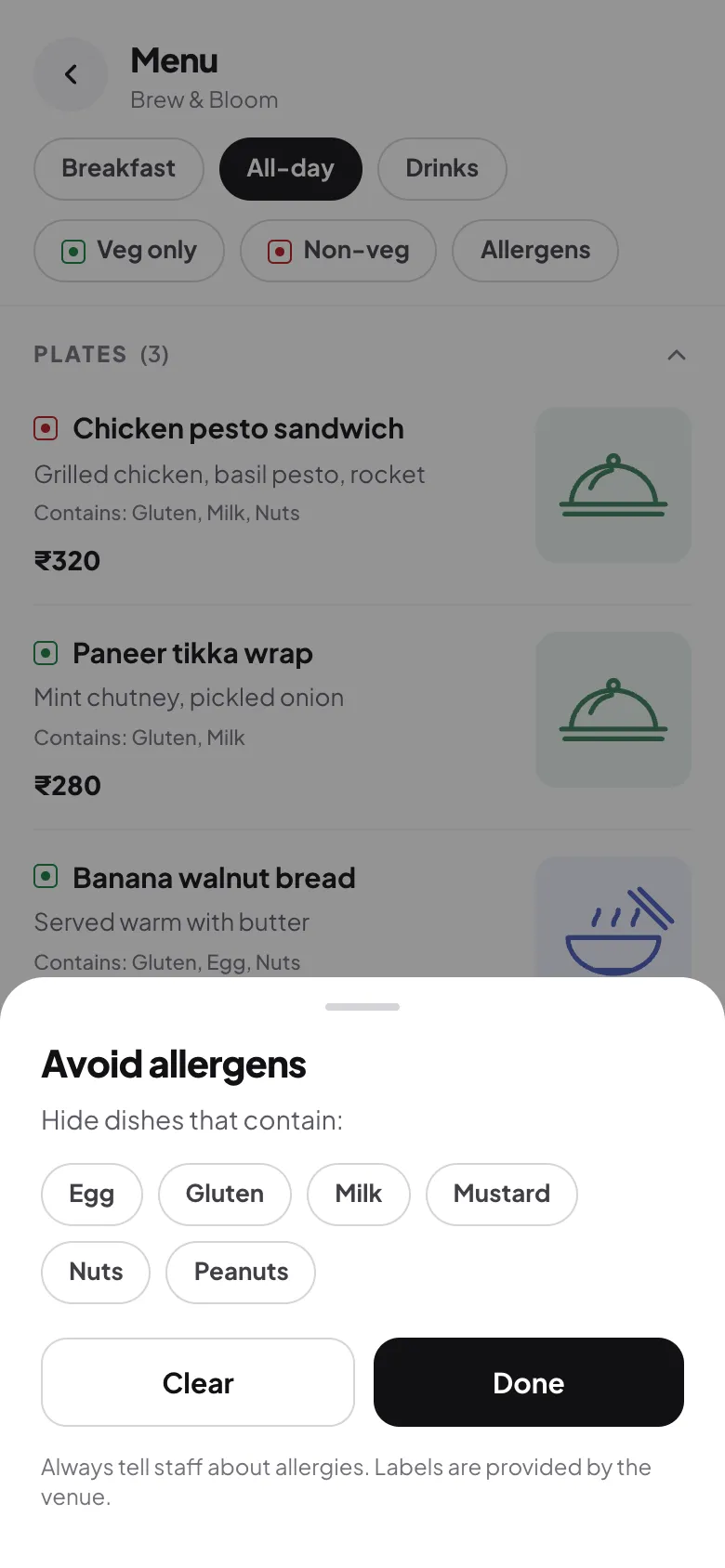
- Veg / non-veg and allergens. The AI can guess from names, but only you know the recipe. Set these yourself. Our labelling guide explains what to include.
- Sections. Merge tiny sections, rename vague ones ("Others" helps nobody).
- Descriptions. Trim anything long. One line is enough on a phone.
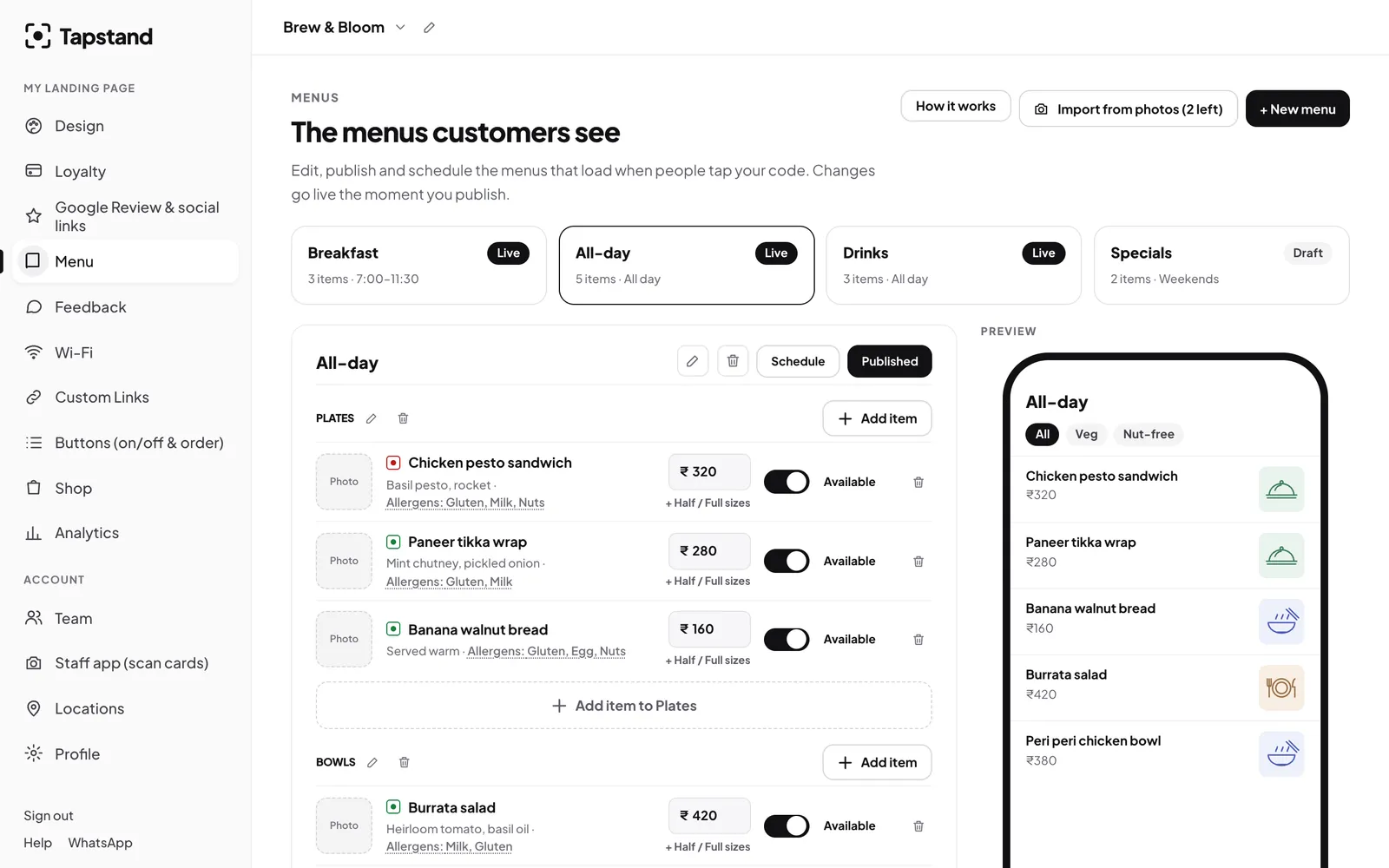
Make it better than the paper version
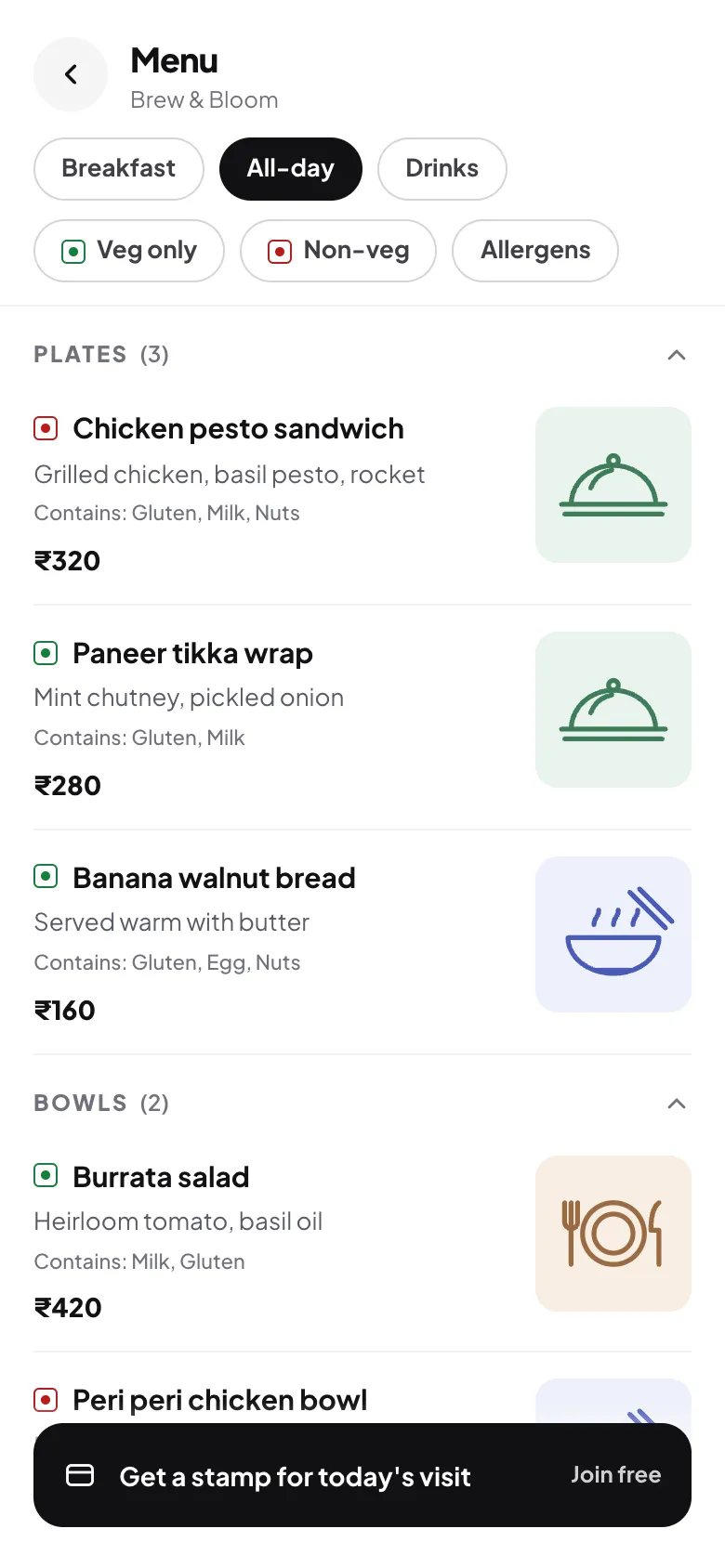
Once the menu is digital you can do things paper can't. Split breakfast and all-day into separate menus with their own times (see scheduling menus), switch items off when they sell out, and add a "This week" specials menu you change every Monday.
Frequently asked questions
Can AI read handwritten or chalkboard menus?
Often, if the writing is clear and the photo is sharp. Expect more corrections than with a printed menu.
Does it handle Hindi or regional-language menus?
Modern vision models read many Indian scripts, but accuracy varies. Check names and prices carefully.
Is my menu used to train the AI?
The photos are sent to an AI provider to be read, from Tapstand's servers. Providers' data terms differ, and some free tiers allow inputs to be used to improve their models, so don't upload anything you wouldn't put on your menu board.
Screenshots show Tapstand with a sample café and demo data.