NFC vs QR code table stands: which is better for restaurants?
How NFC tap and QR scan compare for café and restaurant tables: phone support, speed, cost and durability, and why the best stands use both.
· 2 min read · Tapstand team
A table stand can open your menu in two ways: guests scan a printed QR code with their camera, or they tap their phone on an NFC chip inside the stand. Both open the same page. They differ in how it feels, which phones support it and what happens when something goes wrong.
How each one works
- QR code: a printed pattern. The phone's camera reads it from a distance and opens the link.
- NFC: a tiny chip and antenna in the stand. When a phone comes within about 4 cm, it reads the link wirelessly. No camera, no app.
Side by side
| QR code | NFC tap | |
|---|---|---|
| Phone support | Almost every smartphone camera | iPhone XS and newer read tags automatically; most mid-range and premium Android phones, if NFC is switched on |
| Speed | Open camera, point, tap banner | Touch the phone to the stand |
| Distance | Works from across the table | Phone must be within ~4 cm |
| Several guests at once | Yes, everyone scans together | One at a time |
| Low light | Can struggle | Unaffected |
| Cost per stand | Printing only | Printing plus a chip |
| Can be covered by a sticker | Yes, a risk with fake codes | Harder to tamper with unseen |
Where NFC shines
NFC feels like magic the first time. There's nothing to line up, it works in dim lighting, and it suits the counter, where one guest at a time is showing their loyalty card or paying. It's also a good conversation starter: "just tap your phone here" is easier to explain than "open your camera".
Where QR wins
QR works on practically every smartphone with no settings to change. A table of four can all scan at once from their seats. And if a guest's phone has NFC switched off (common on Android), a QR code is the fallback that always works.
The answer: use both
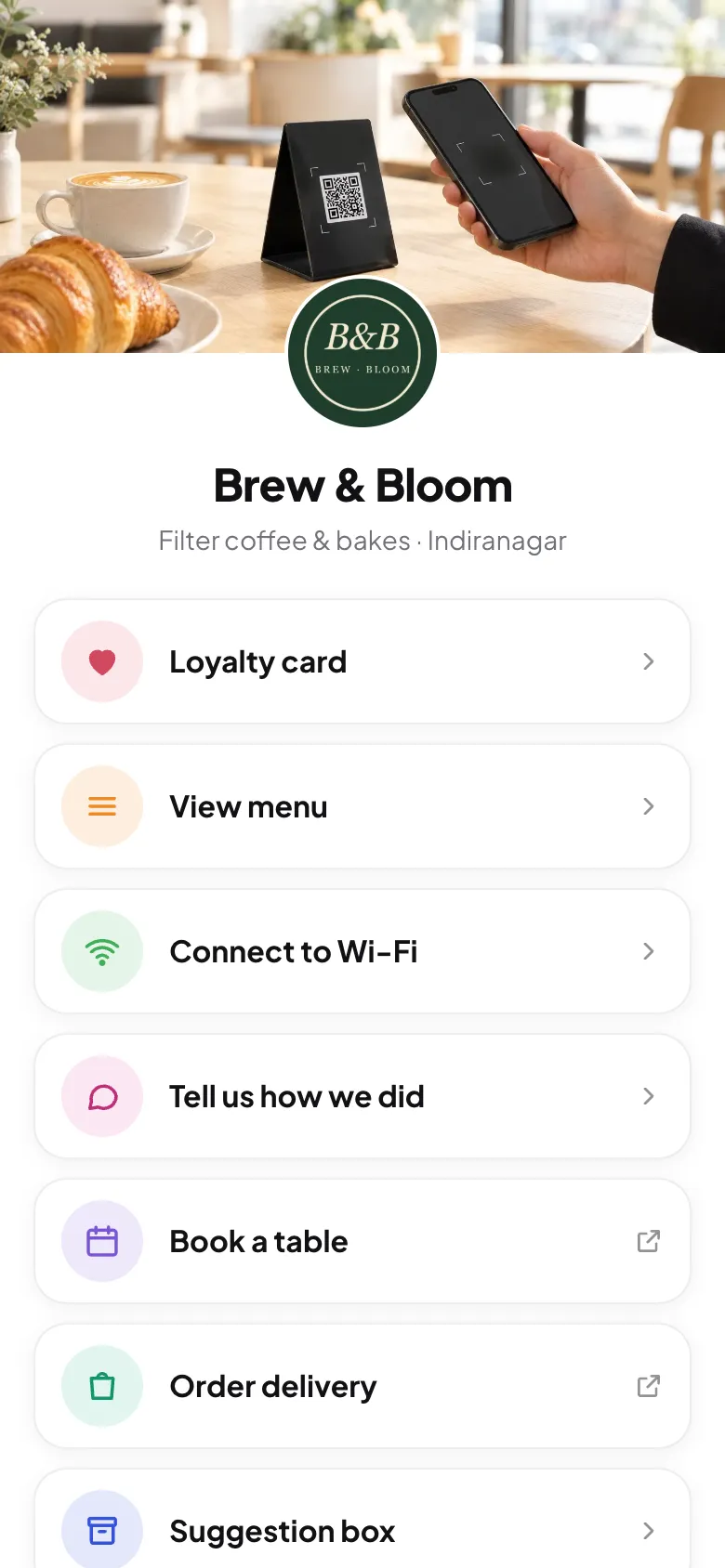
The best stands combine an NFC chip with a printed QR code on the same surface. Guests with newer phones tap; everyone else scans. Both open the same page, so there's nothing extra to manage.
Whatever you choose
- Point it at an address you control, so you can change what it opens without replacing stands.
- Add a short call to action: "Tap or scan for menu & Wi-Fi". People need to know what they'll get.
- Check your stands weekly for stickers placed over your code. Fake QR stickers are a known scam.
- Place them well. See where to place table stands.
Frequently asked questions
Do iPhones support NFC tags?
Yes. iPhone 7 and later can read NFC tags, and iPhone XS and newer read them automatically in the background when the screen is on.
Do NFC tags need a battery?
No. Passive NFC tags are powered by the phone's field when it comes close, so they last for years.
Sources
Screenshots show Tapstand with a sample café and demo data.