How to get more Google reviews for your restaurant (without breaking Google's rules)
Practical, policy-safe ways to get more Google reviews for a café or restaurant: your review link, when to ask, what not to do, and how to reply.
· 3 min read · Tapstand team
When someone searches "café near me", your star rating and review count are often the first thing they see. More recent reviews help you rank and help people choose. The good news: most happy guests are willing to leave one. They just need to be asked, at the right moment, with as little effort as possible.
The bad news: some popular tactics break Google's rules, and Google can remove reviews or restrict your profile for them. Here's how to do it properly.
Step 1: Get your direct review link
Your Google review link opens the "write a review" box on your Business Profile directly, with no searching. To find it, sign in with the account that manages your profile, search for your business on Google or open it in Google Maps, and look for Ask for reviews or Get more reviews. Copy the link it gives you.
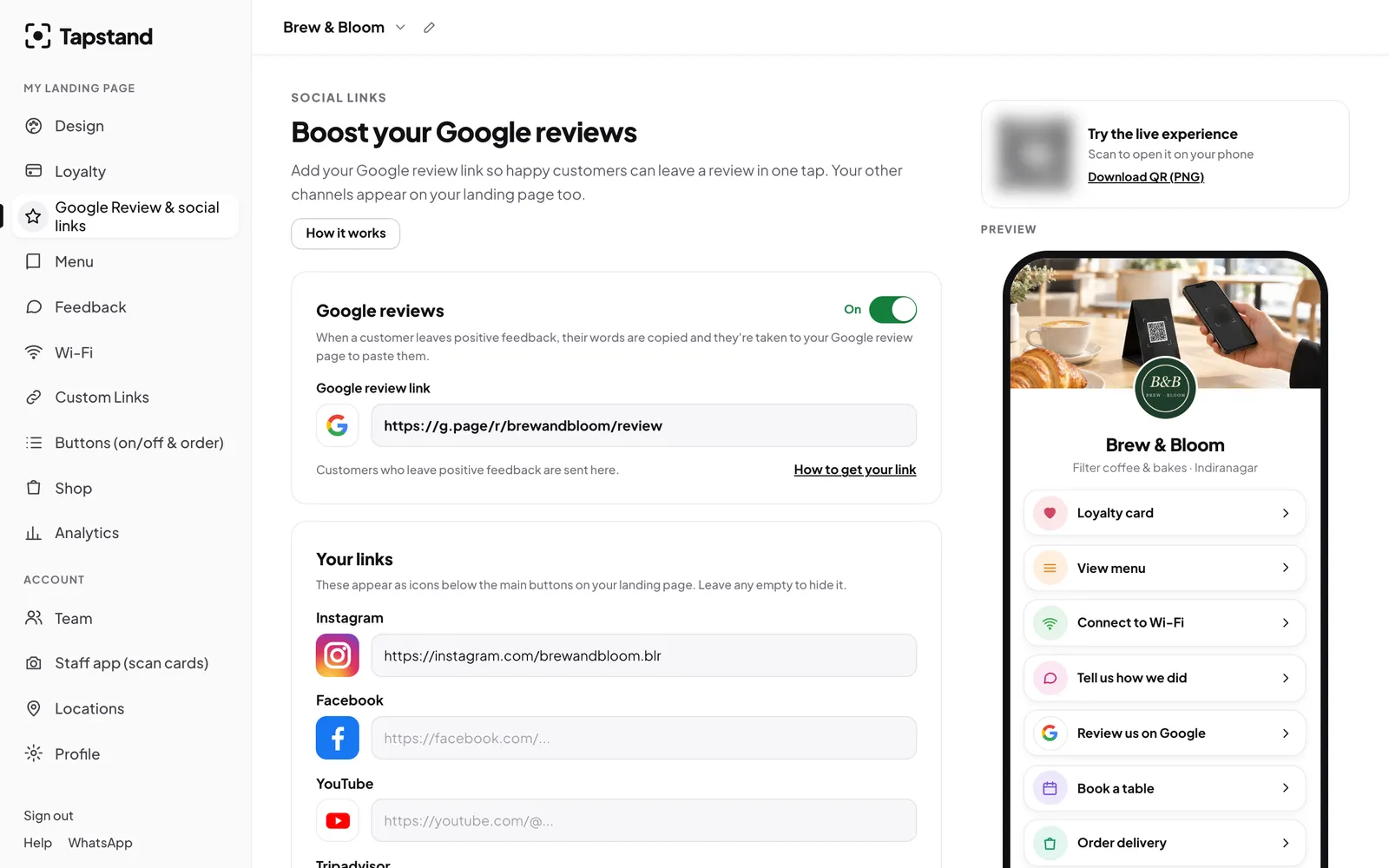
Step 2: Ask everyone, the same way
Google's policy prohibits review gating: asking how someone's visit went and only sending happy guests to Google while routing unhappy ones somewhere private. Selectively asking only the people you expect to be positive counts too. The safe rule is simple: make the same honest ask to every guest.
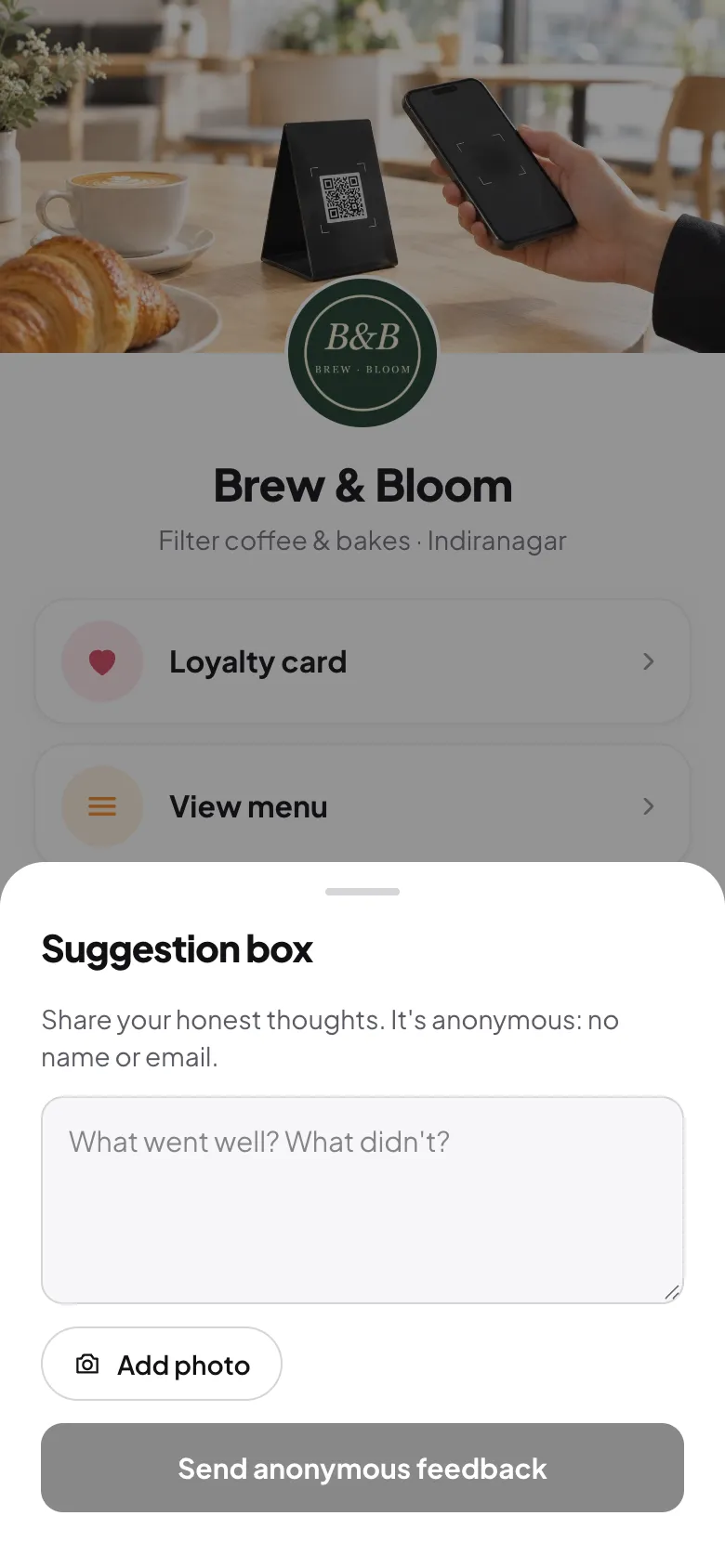
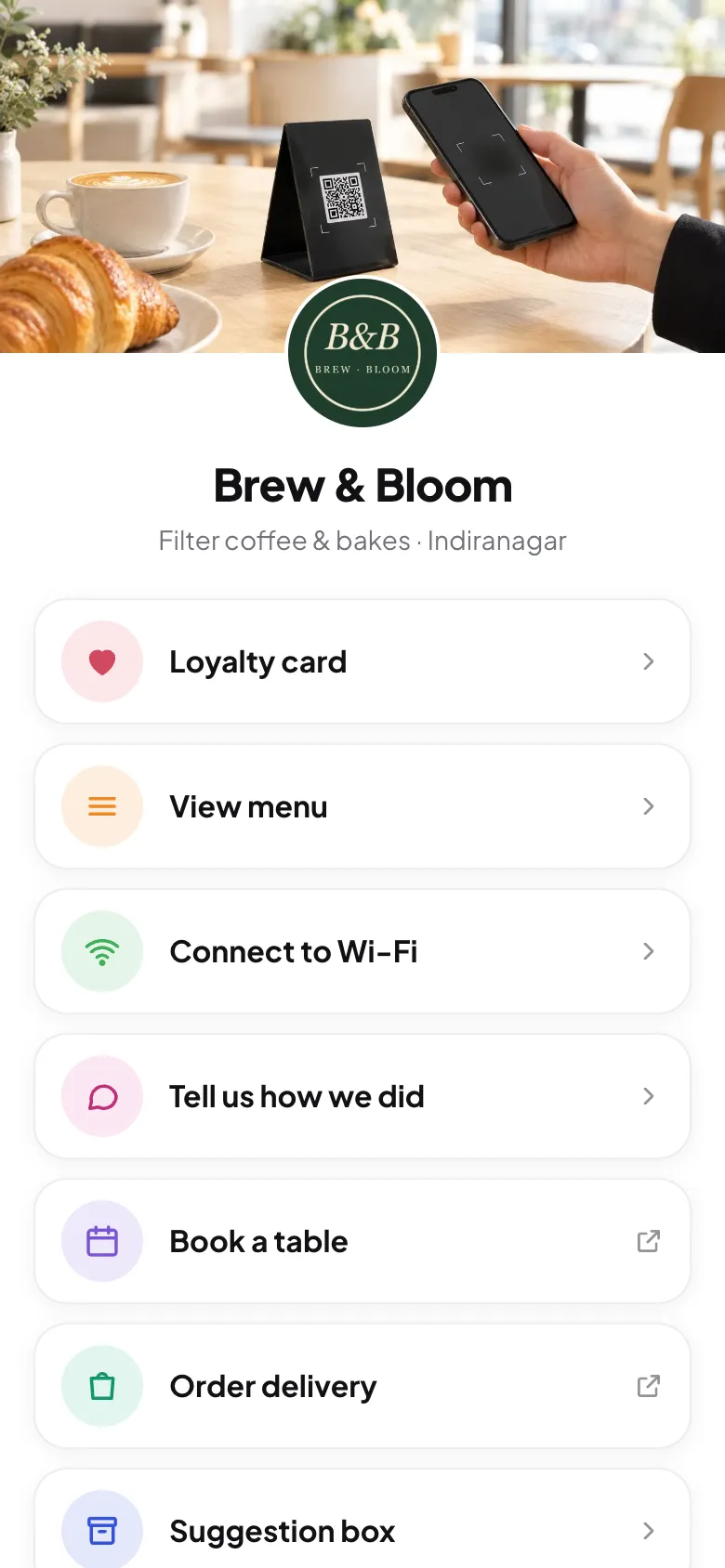
- Put a "Review us on Google" button on your page that every visitor can see.
- Print the ask on the table stand or the bill: "Enjoyed your visit? A Google review helps a small café like ours."
- If you collect private feedback too, offer the Google option to everyone, whatever rating they gave.
Step 3: Don't pay for reviews in any form
Google prohibits offering anything in exchange for a review: discounts, free items, loyalty stamps or entries into a giveaway. That applies even if you don't ask for a positive review. Keep your loyalty program and your review requests completely separate.
Other things to avoid
- Pressuring guests on the spot, such as standing over them while they write.
- Scripting the review: asking them to mention a dish, a staff member or five stars.
- Staff quotas or competitions for reviews that name them.
- Reviews from staff, family or friends, and any review that isn't a real experience.
- Buying reviews. Ever.
Step 4: Reply to every review
Replies show future guests that someone is listening. Thank positive reviewers by name and mention something specific. For negative reviews, apologise once, don't argue, and offer to continue the conversation privately. Keep it short.
The reviews you don't see
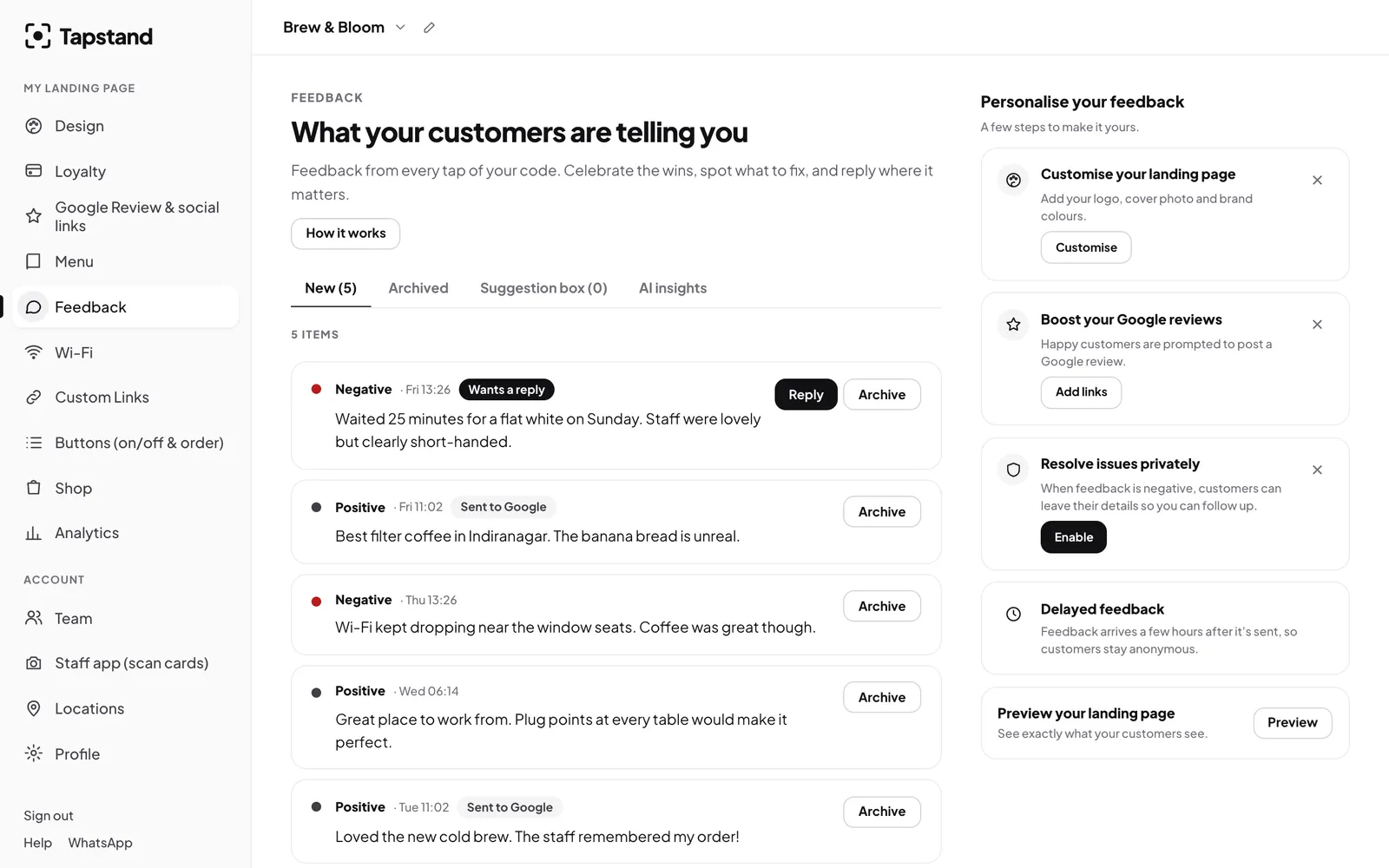
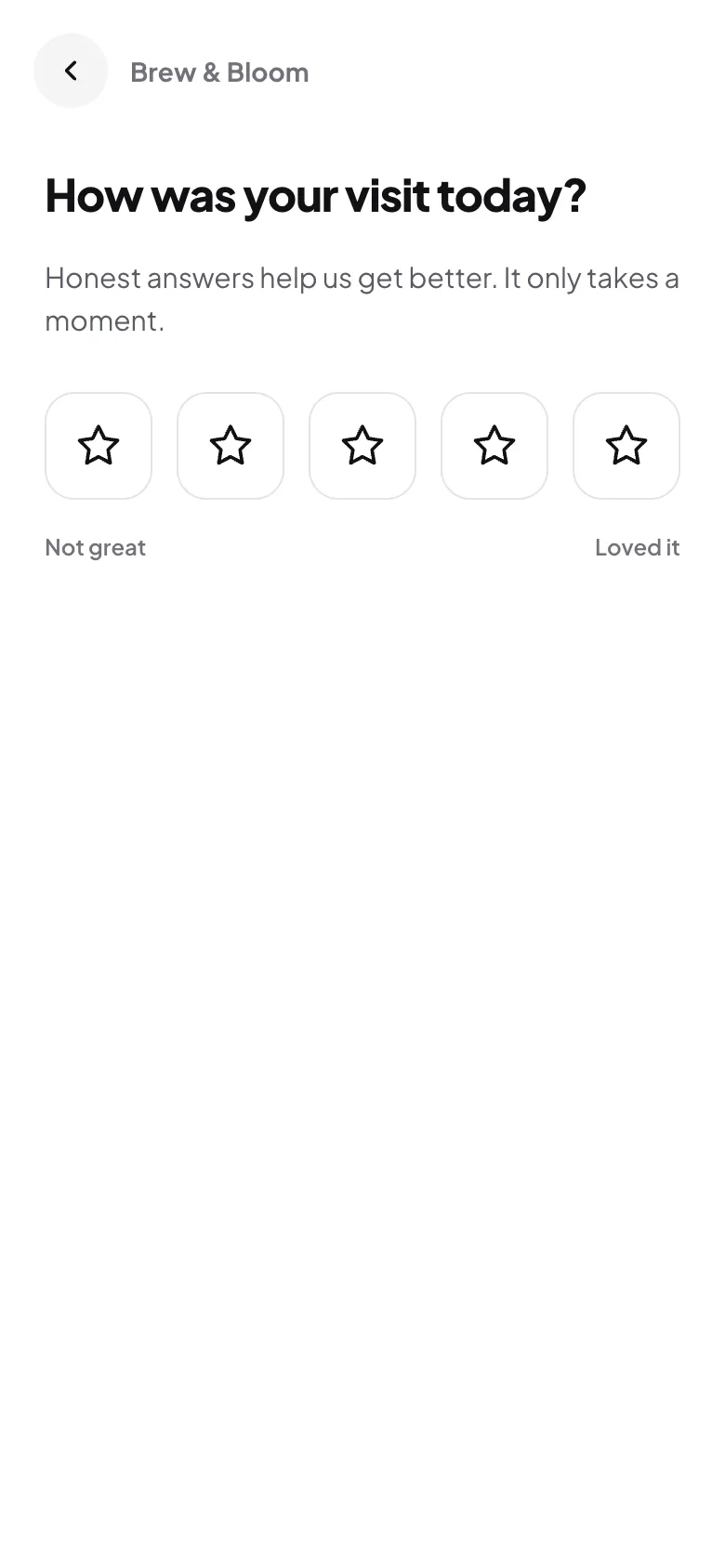
Many unhappy guests never complain; they just don't come back. A quick private feedback form gives them an easy way to tell you, so you can fix the cause. Combined with an open, honest review ask, you get both: more public reviews and fewer surprises in them.
Frequently asked questions
Can I give a free coffee for a Google review?
No. Google's policy prohibits incentives for reviews, including discounts and free items, whether or not the review is positive.
Is it OK to ask for reviews at the table?
Asking politely is fine. Pressuring someone or watching them write it is not. A visible link or QR code they can use later is the safest approach.
Can I have a private feedback form?
Yes. Just don't use it to decide who gets asked for a public review. Every guest should see the same option to review on Google.
Sources
Screenshots show Tapstand with a sample café and demo data.