Digital stamp cards without an app: how they work and why they get used
Paper punch cards get lost and loyalty apps don't get downloaded. Here's how a browser-based digital stamp card works, step by step, for guests and staff.
· 2 min read · Tapstand team
The paper punch card has two problems. Guests lose it, and you learn nothing from it. Loyalty apps fix the data problem but create a bigger one: almost nobody downloads an app for a café they visit twice a month. A digital stamp card that lives in the phone's browser sits between the two, with no download, no lost cards and real numbers for you.
What the guest does
- Taps or scans your table stand, usually for the menu or Wi-Fi.
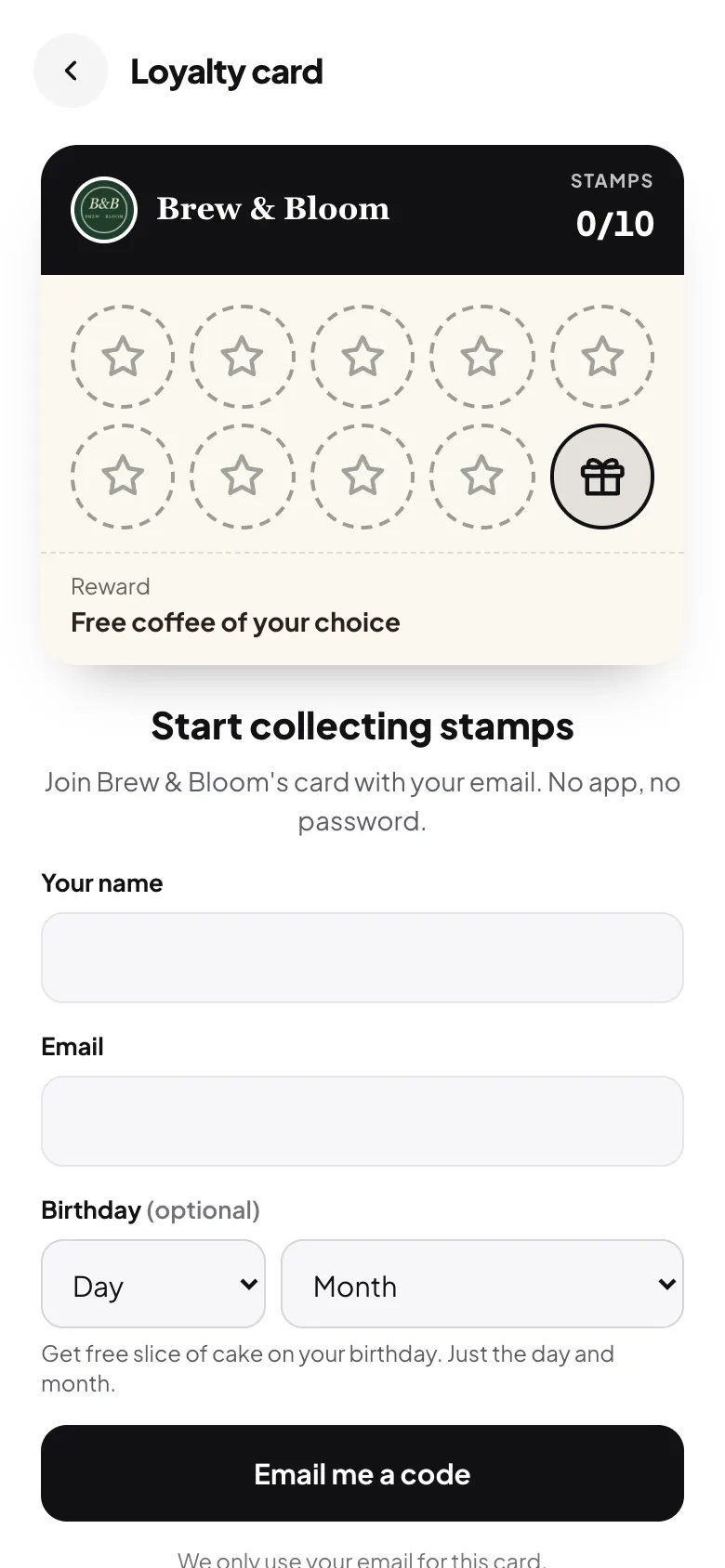
- Taps "Loyalty card" and enters a name and email. Birthday is optional.
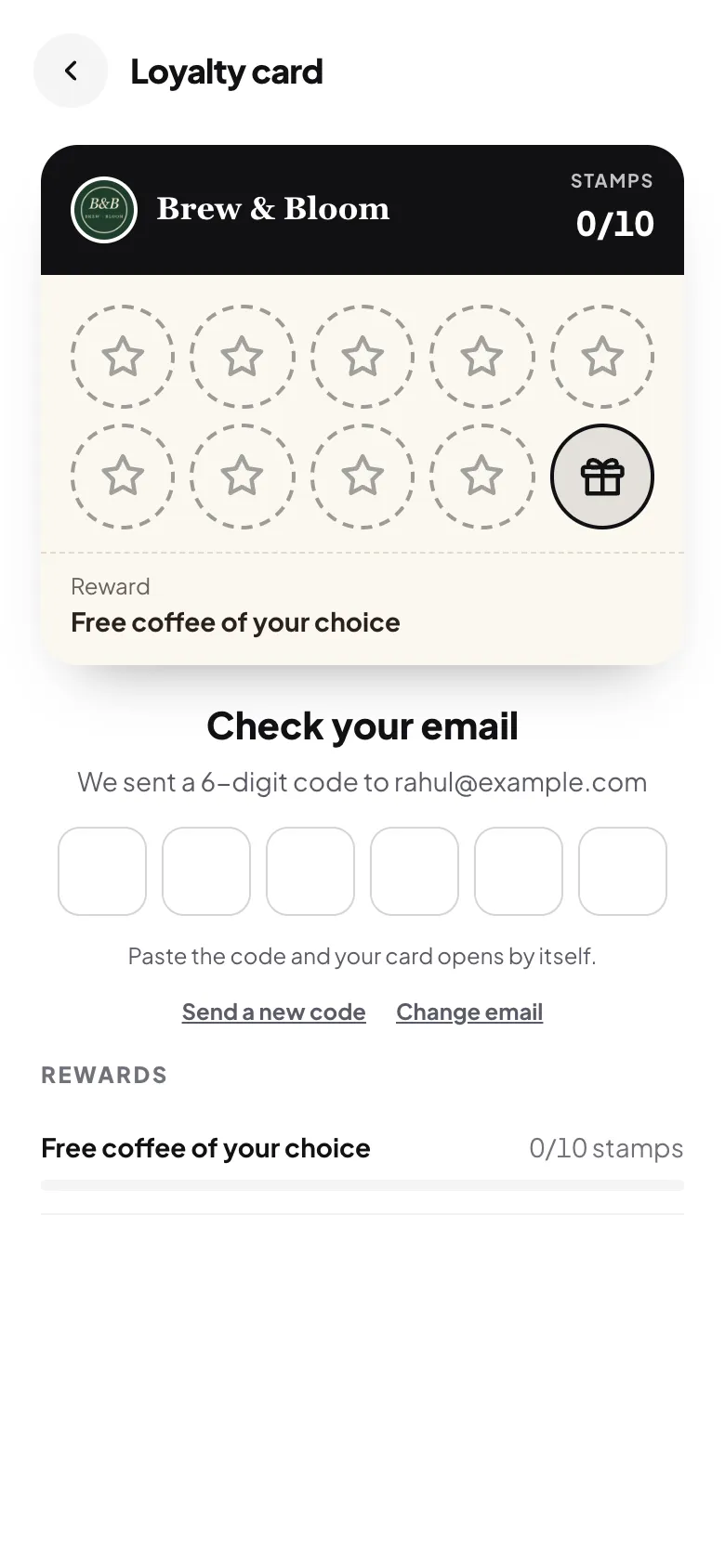
- Types a six-digit code sent to that email. This proves the email is real and stops one person from making ten cards.
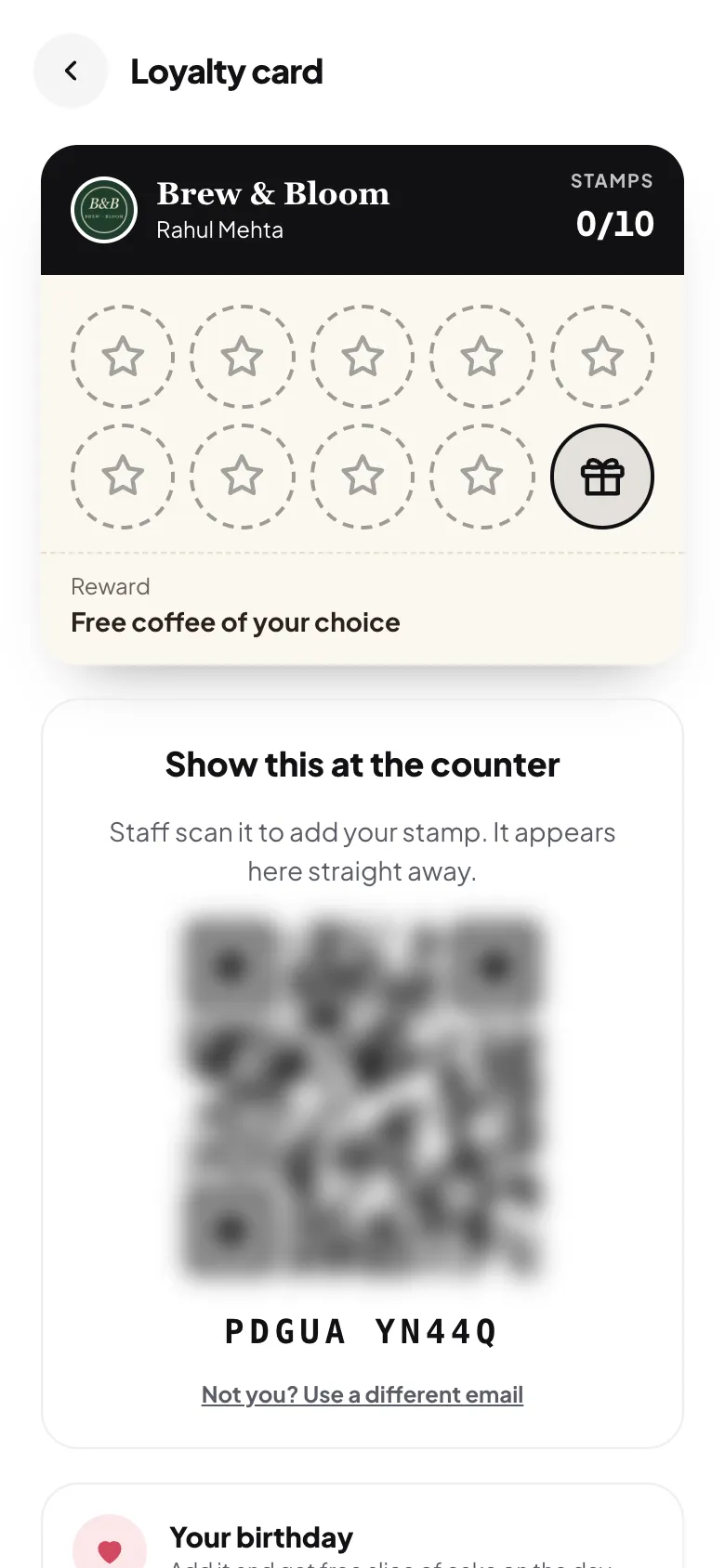
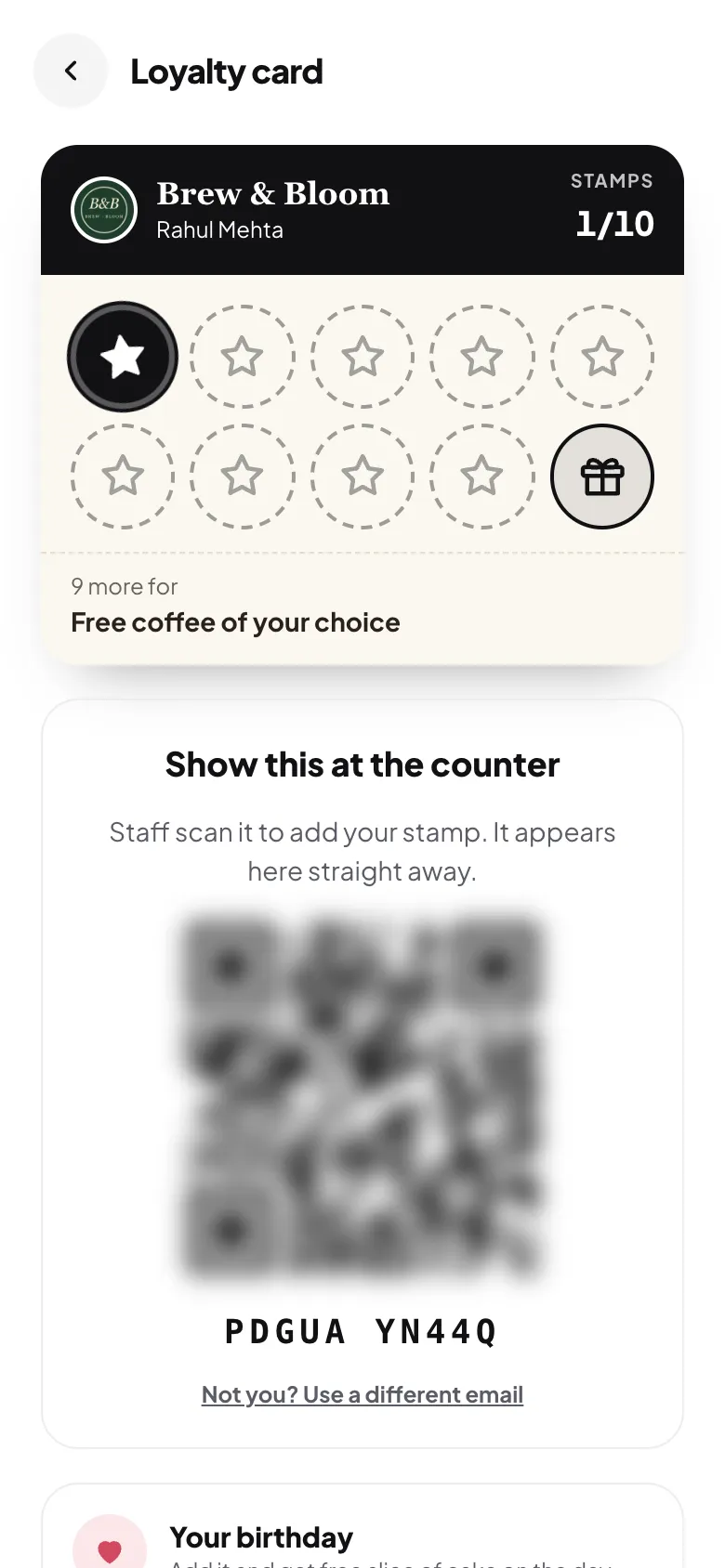
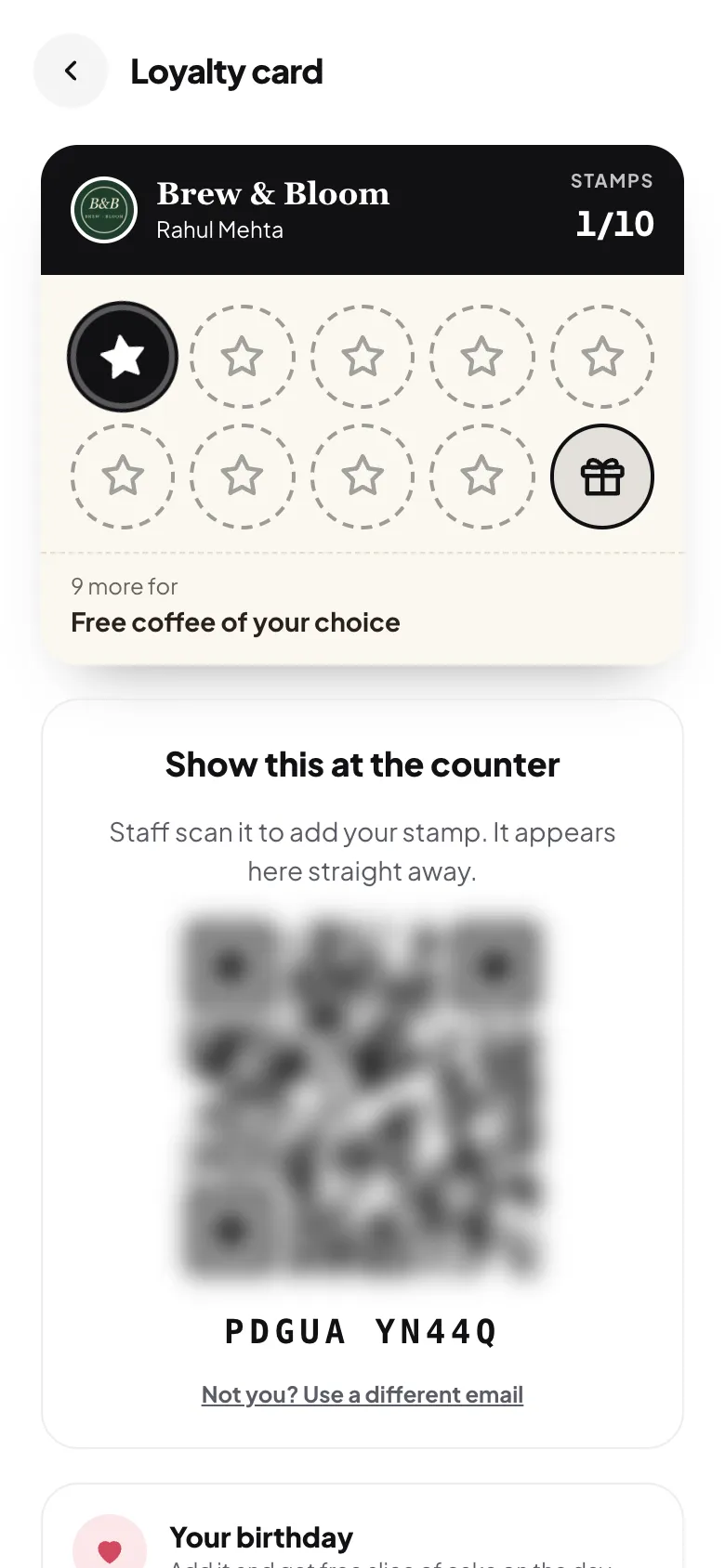
- Gets the card on their phone, with a code to show at the counter. It stays signed in on that phone.
What staff do
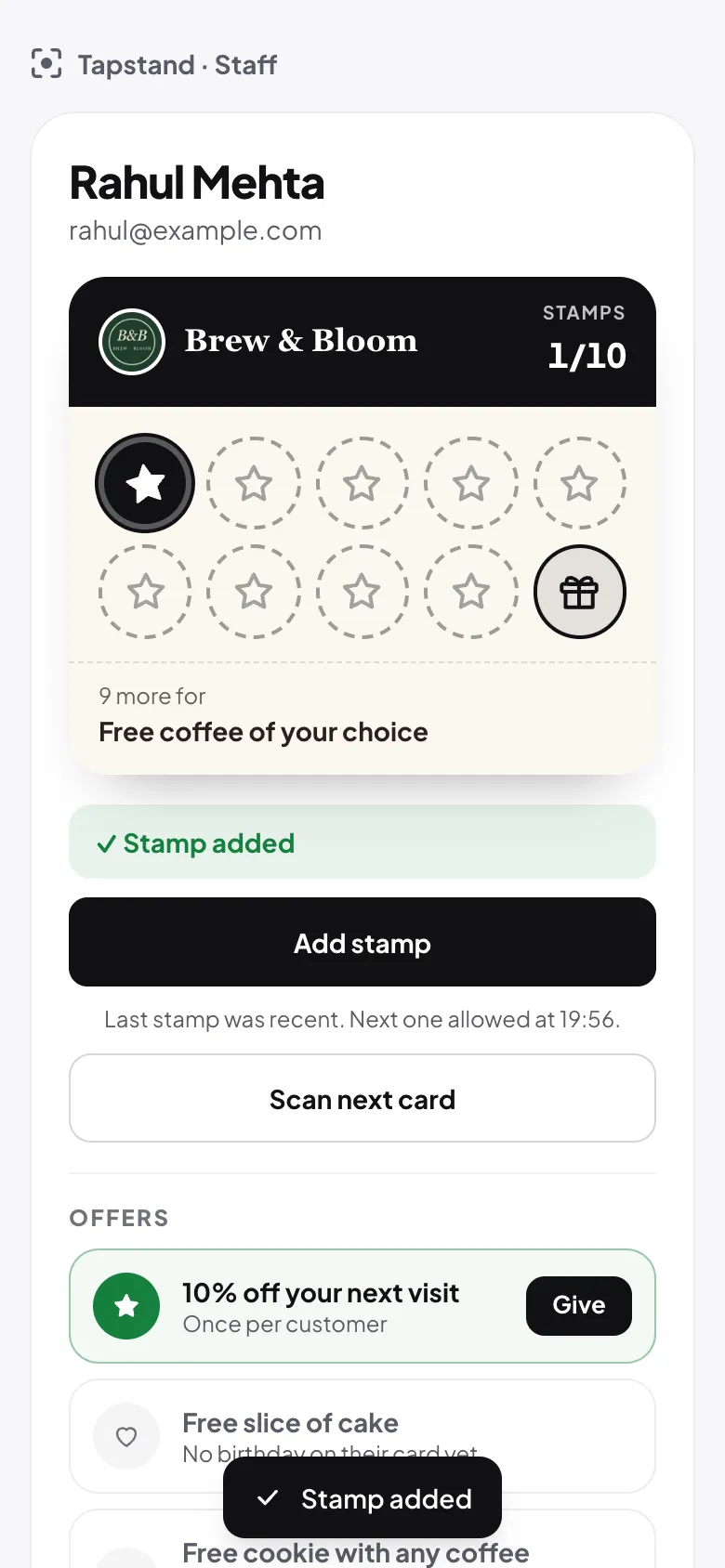
At the counter the guest shows their card. Staff scan its QR code with their own phone, or type the short code underneath, and tap Add stamp. The guest's card updates straight away.
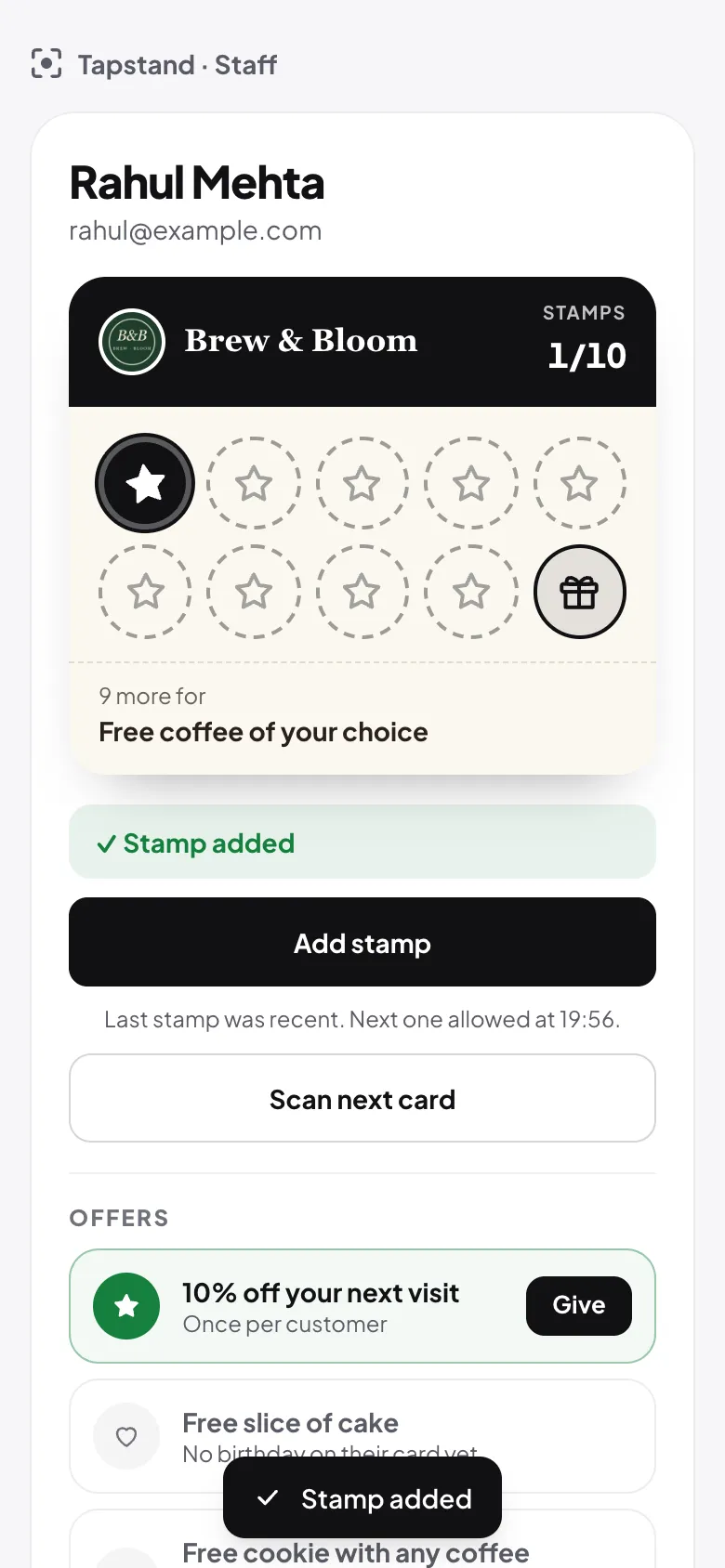
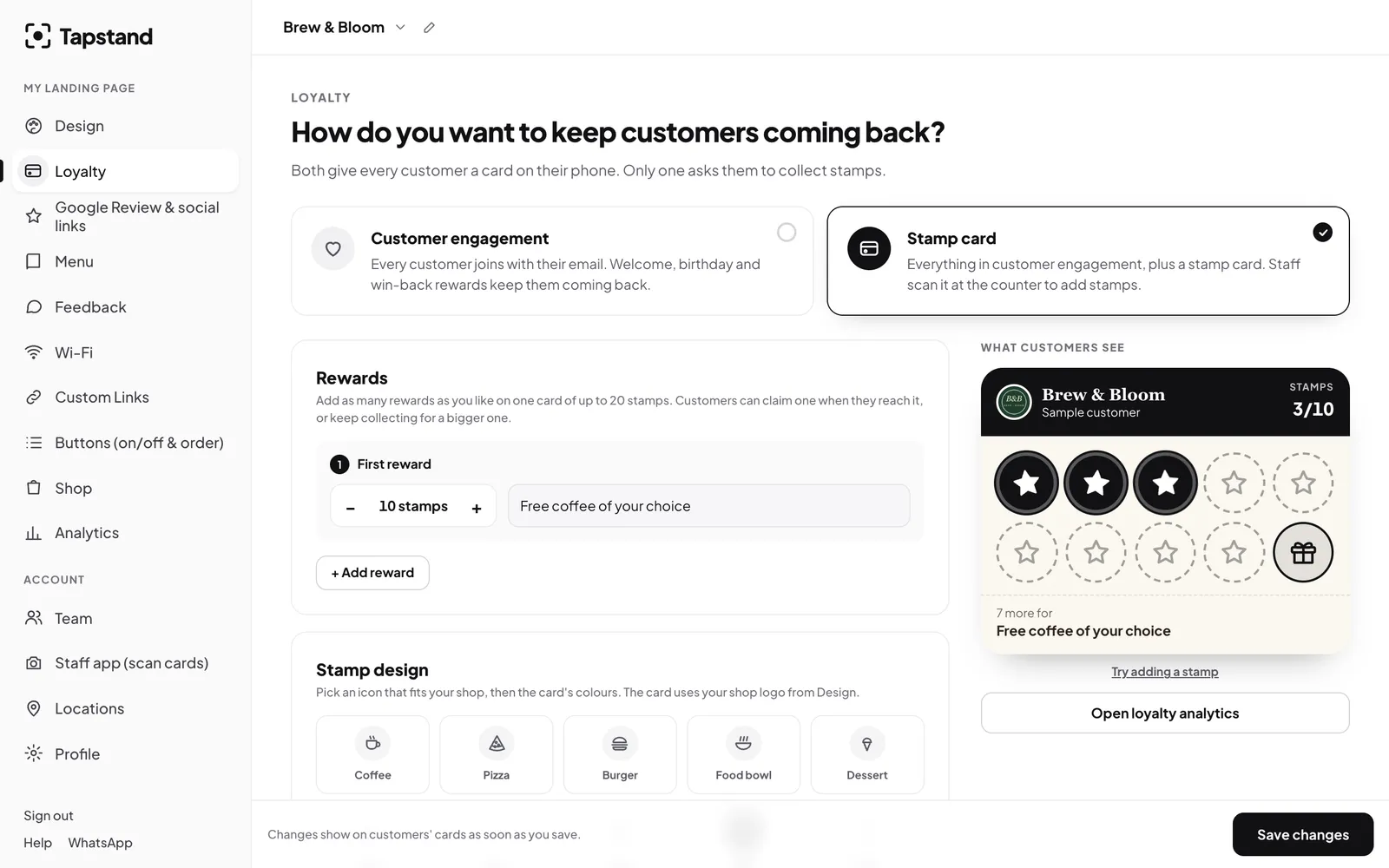
Because stamps are added by staff and recorded on the server, there's nothing to forge. You can also set how often one customer can earn a stamp (say, once every four hours) so one visit can't be stamped twice.
Why this gets used when apps don't
- It piggybacks on something guests already do. People tap for the menu and the Wi-Fi anyway. Joining is one more tap from there.
- Nothing to install. The card works in the browser on any smartphone.
- It can't be forgotten at home. It's on the phone they always carry.
- Progress is visible. "9 more for a free coffee" is a clear, short goal. See the psychology of stamp cards.
What you get that paper never gave you
- A list of members you can reach again (with their consent; see our DPDP guide).
- How many joined this week, how many stamps were given, and how many rewards were claimed.
- A record of every reward given: who got it, when, and which staff member gave it.
- Birthday and win-back offers that run automatically. See birthday rewards.
Frequently asked questions
What if the customer changes phone?
They open the loyalty card on the new phone and verify the same email with a new code. Their stamps are tied to the email, not the device.
Can a customer join without an email?
Email is what keeps one card per person and lets them recover it. A name alone would be easy to duplicate.
Do staff need special hardware?
No. Any smartphone with a camera works, and the short code under the QR is a fallback.
Screenshots show Tapstand with a sample café and demo data.